Apps / 09 of 13

Real screenshots from the app. Tap any of them to see it full size.
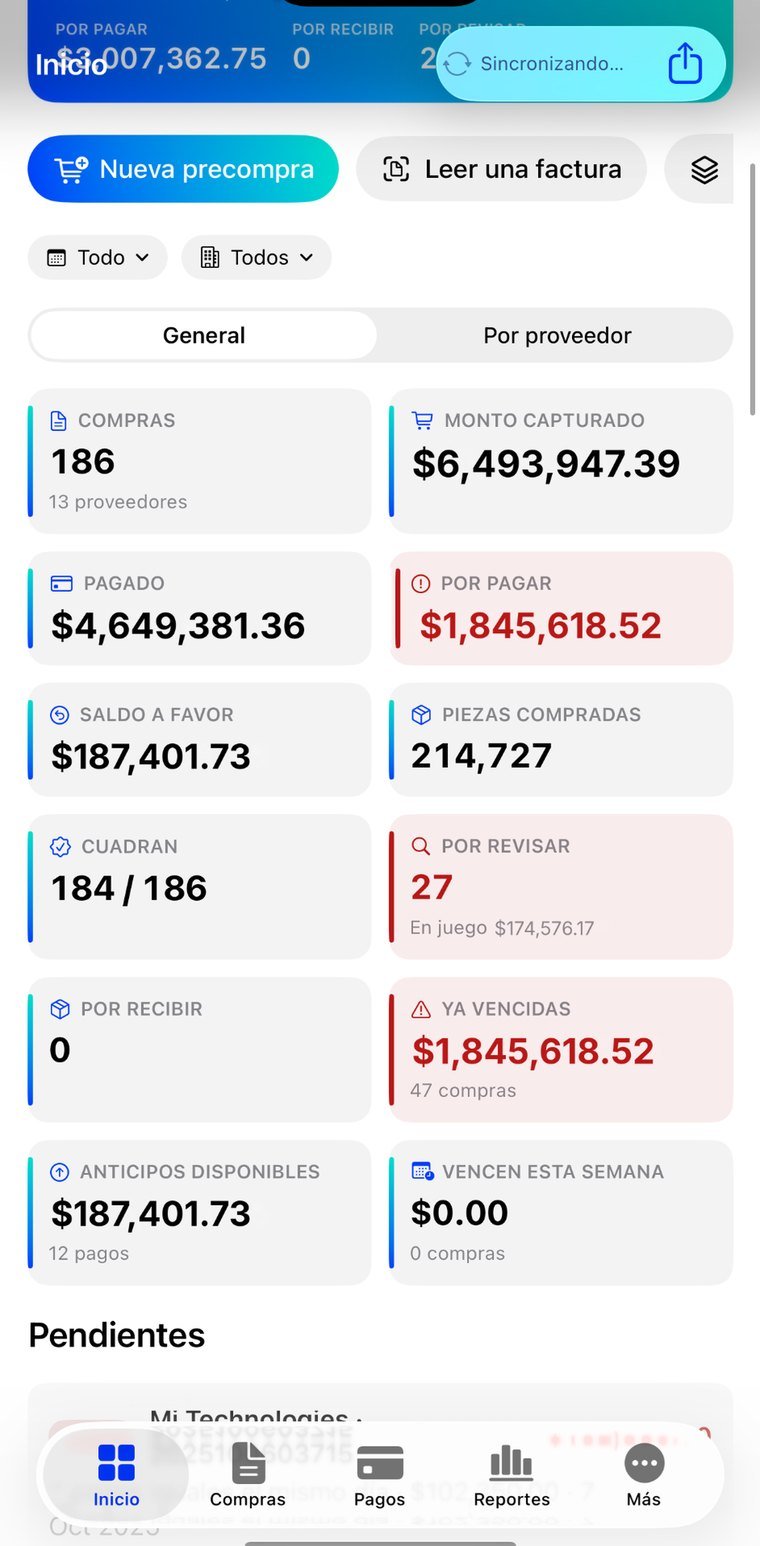
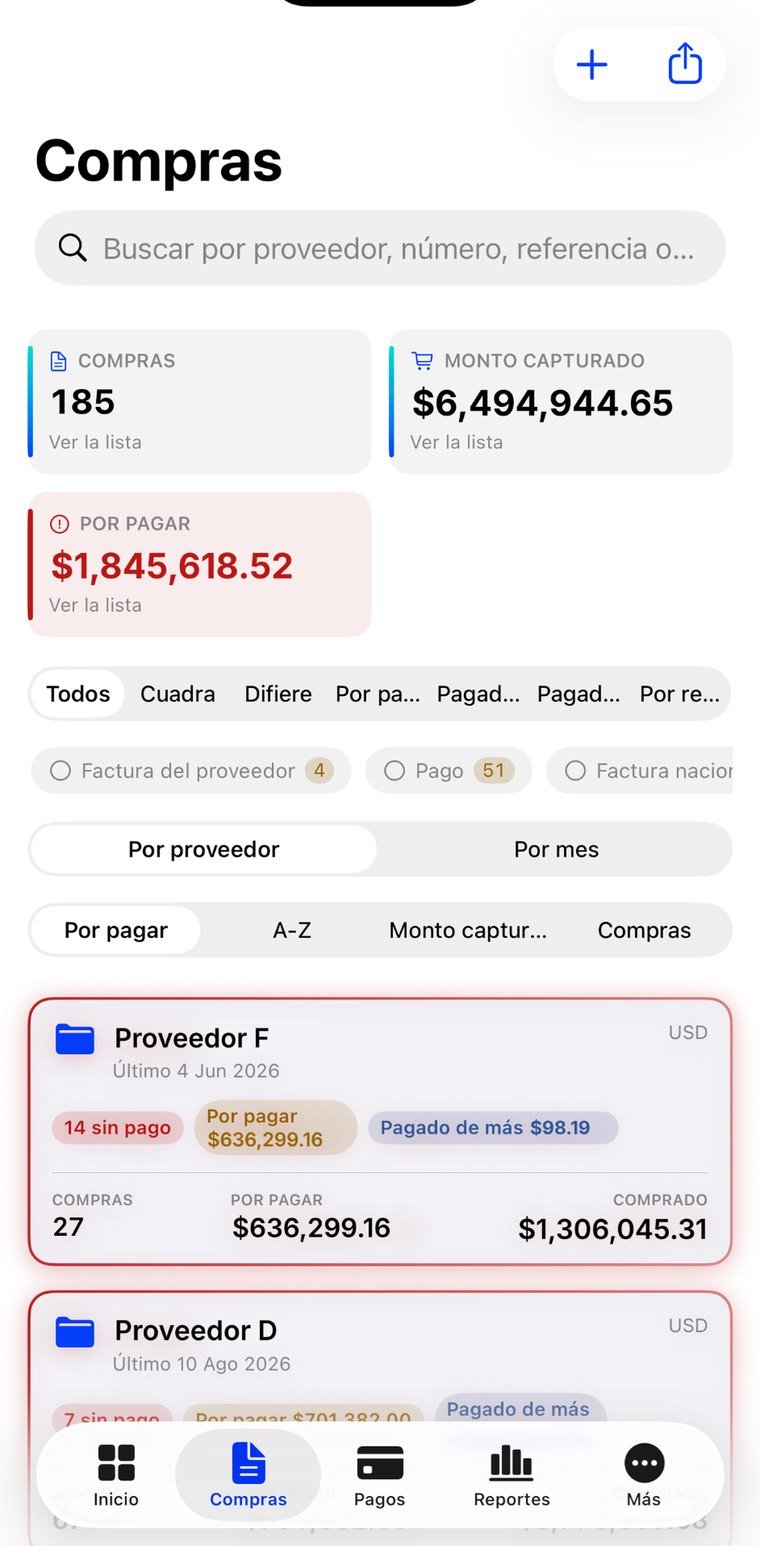
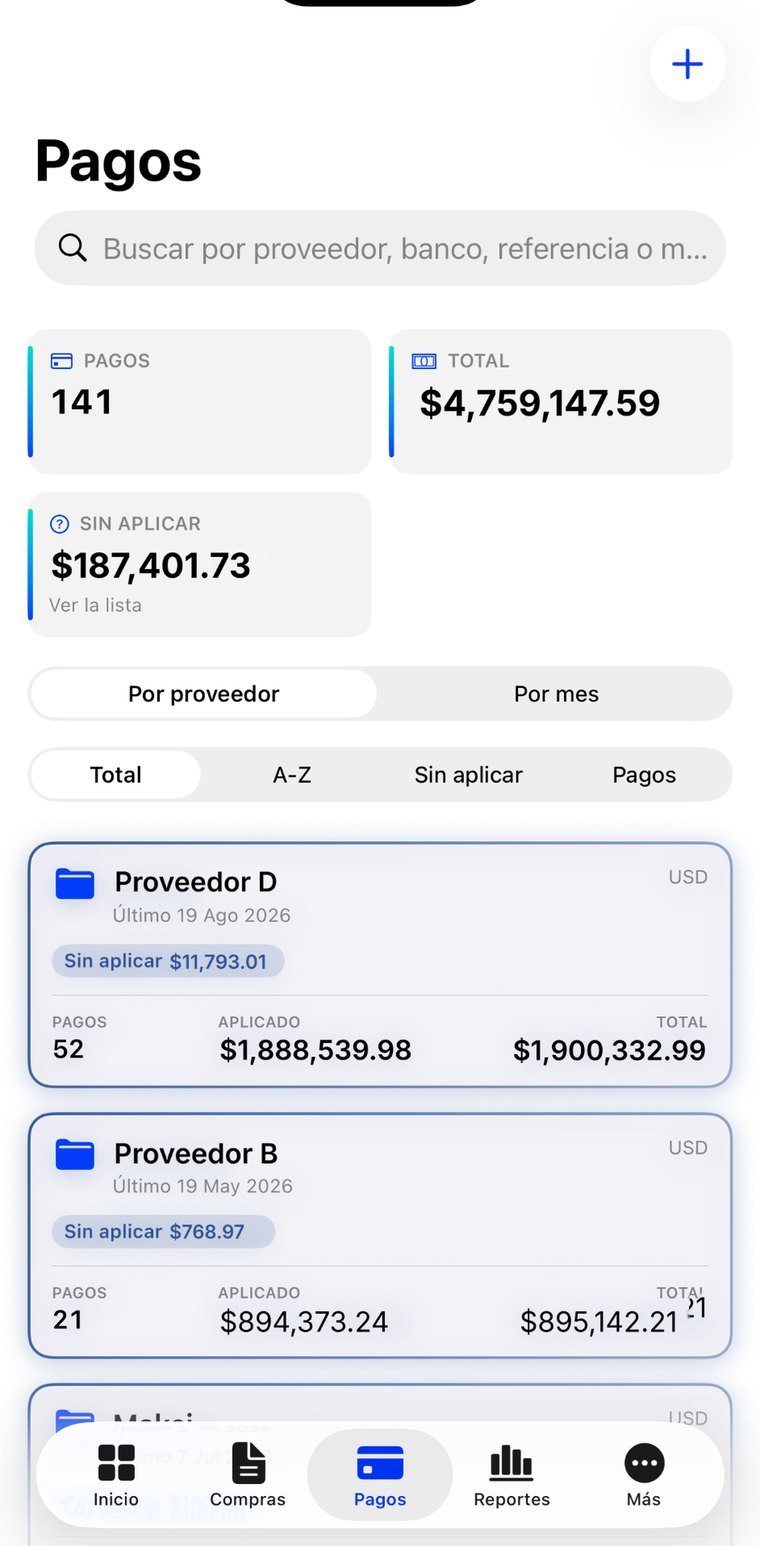
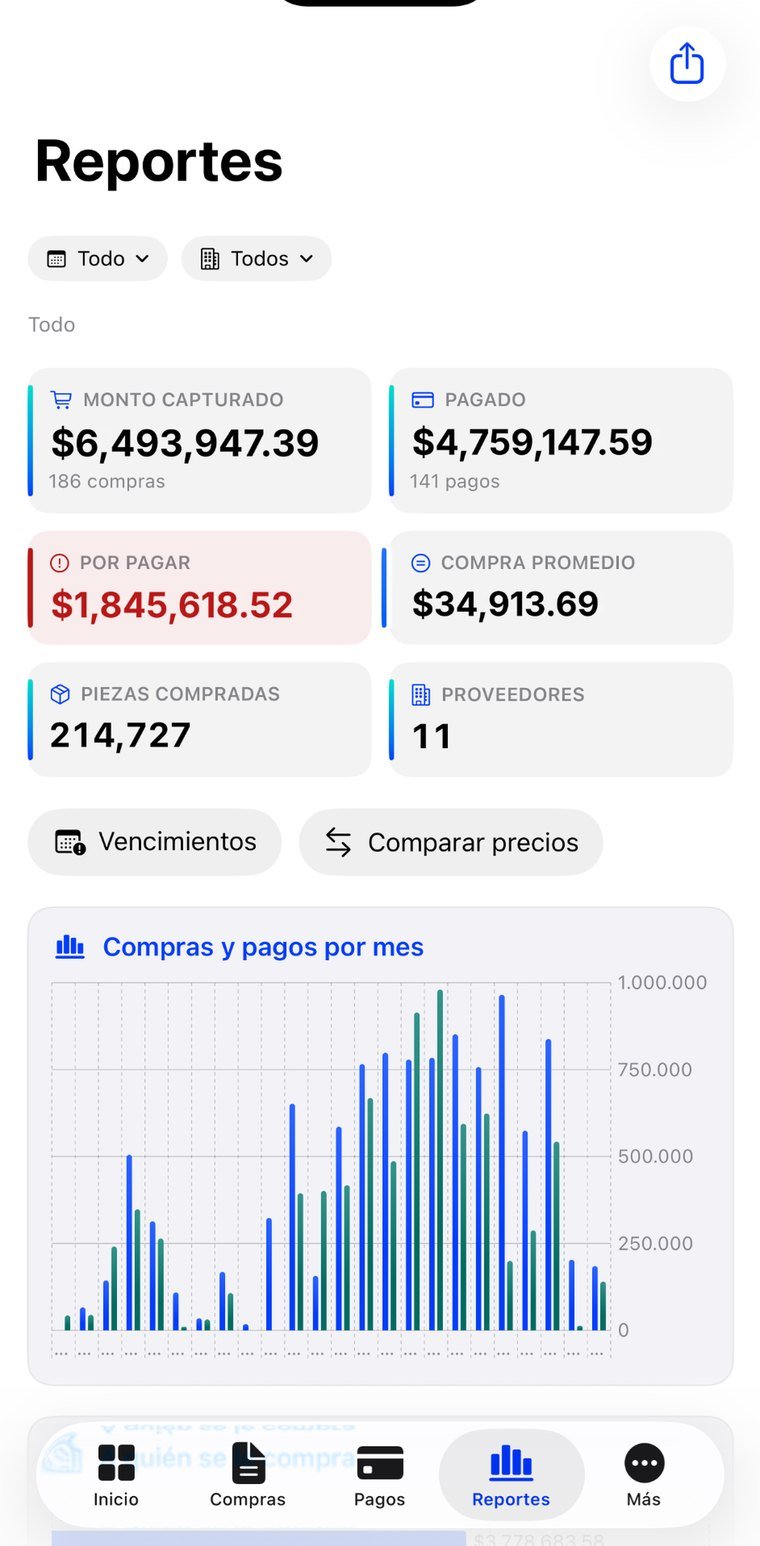
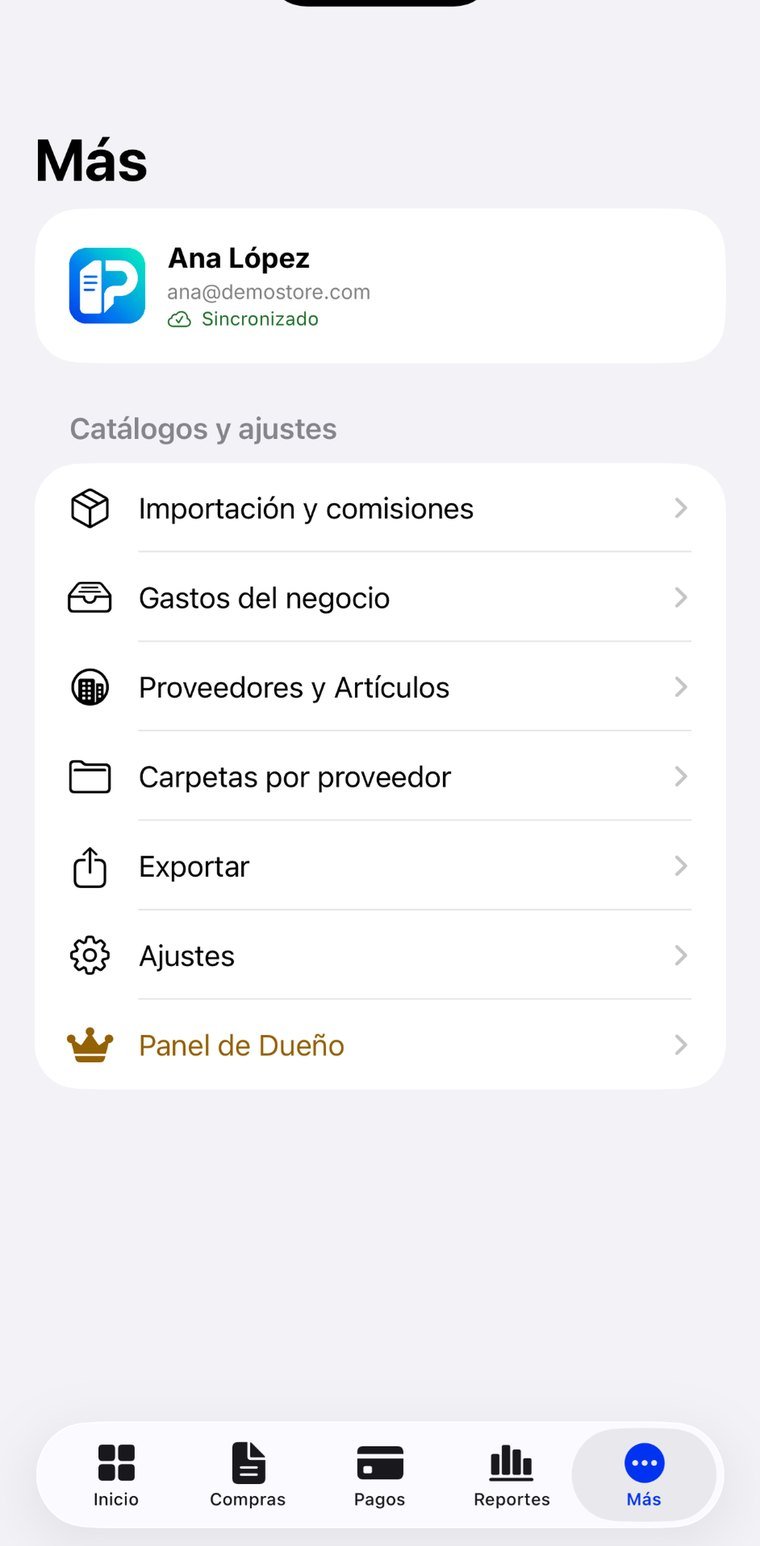
Supplier purchasing gets tracked in a spreadsheet per supplier, and the real work isn't typing it in: it's making it reconcile. That what was paid matches what was invoiced, that the advance gets applied, that the same invoice doesn't get paid twice. InvoPlace reads the XML or the PDF so entry happens on its own, and gives its main screen to the only thing that matters: what doesn't reconcile, ranked by money at risk.
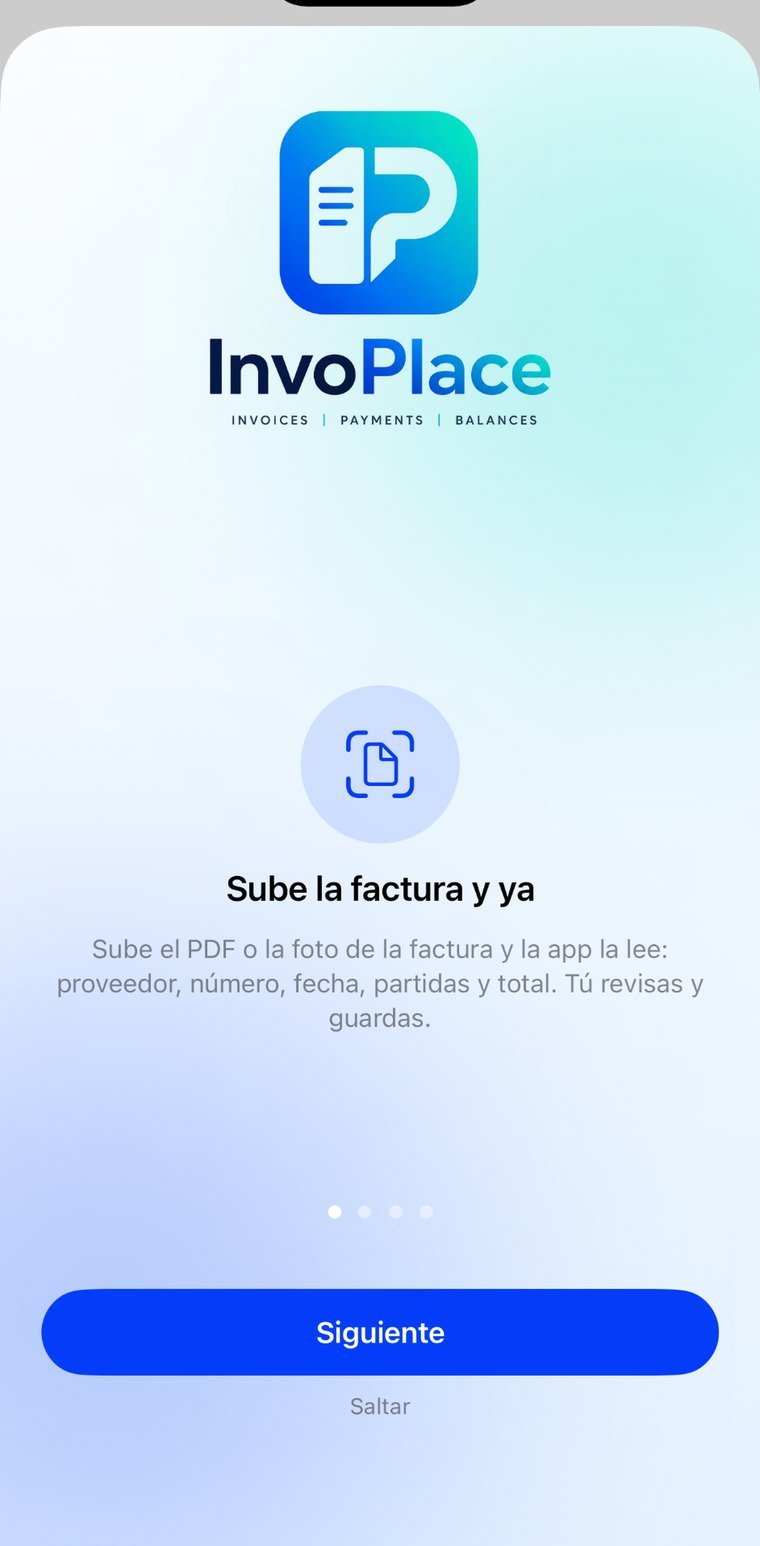
Upload the Mexican e-invoice XML and nothing is guessed: the tax authority's file carries the number, date, currency, exchange rate and every line item with its code, quantity, unit value and amount. If all you have is the PDF or a photo, it reads that too and lets you review before saving. Works with CFDI 3.3 and 4.0.
The home screen isn't a pretty summary: it's the list of what's wrong, ranked by money at risk, and every row leads straight to the purchase that needs fixing. Invoices with no payment, payments not applied, overpaid, still to be received.
A payment is tied to the invoice it covers, including partial payments, with advances drawn down and credit notes. That way the balance per supplier is real and not a subtraction done by hand.
Each supplier with its summary, inside it each invoice with its status, and opening it shows its line items, its payments and its files, with preview inside the app. It's the spreadsheet, except it doesn't stop reconciling.
What each item has been bought at, which code a new model should get, and which product it is when the supplier only sends a code. Comparing prices across suppliers stops being a manual exercise.
Import invoices with fees and the real cost delivered to the warehouse, not the one on the foreign supplier's invoice.
Statement by supplier, general summary and price comparison, as letter-size PDFs ready to print or send. It also exports to Excel.
Each company with its own suppliers and members, with roles to define who enters, who approves and who only reads.
The app opens and shows something useful even without internet: it reads from what's stored on the device first and catches up with the server afterwards.
For whoever pays suppliers and answers for those numbers: administration, purchasing and controllership at businesses with several companies and many suppliers.
We answer Monday to Friday, Mexico City hours, usually the same business day.